Upload two photos
One clear front-facing photo of the child and one of the possible parent.
Photo requirementsCompare one photo of a child with one photo of an adult. The private report describes visible similarities and explains how photo quality affects the comparison.
A screening signal only. This is not a DNA test and cannot be used as legal proof of parentage. Report limitations
How it works
No appointment, no kit in the post, and no waiting on a lab. The whole path runs in your browser and your account.
One clear front-facing photo of the child and one of the possible parent.
Photo requirementsEye area, nose bridge, mouth, jawline, and overall face proportions.
A likelihood band, per-feature detail, quality warnings, and DNA next steps.
Core benefits
Each one-time purchase includes one photo comparison and a written report.
Review the current price before continuing to checkout. Additional comparisons are sold separately.
See observations about features such as the eyes, nose, mouth and jaw, alongside notes about photo quality.
Upload only photos you have permission to use. You can delete readable report details in your account. Billing and usage records remain.
The report describes visible features in two photos and explains how photo quality affects the result. The score cannot tell you whether to order a DNA test.
Why a photo can carry a signal
A vision model compares visible features in the two photos. When facial landmarks can be measured, their proportions provide an additional check. Lighting, pose and expression can affect the result.
Worked example

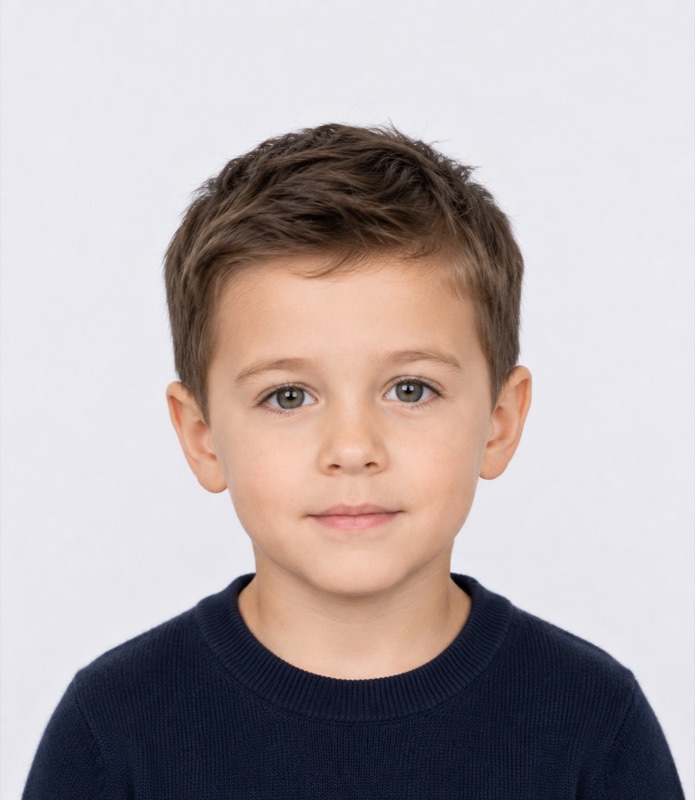
Age, weight, lighting, camera lens, and expression all move these numbers. That is why the output is a band with a confidence level rather than a yes or no.
Automated kinship verification from facial images is an active computer-vision research area, with public benchmarks such as Families in the Wild (FIW) and KinFaceW used to evaluate it.
Both portraits sit in the same narrow band, and the eyelid fold shape matches.
The child's bridge is wider than the adult's, which is common before adolescence.
Similar curve, but the child's expression in this photo reduces confidence.
Low agreement. Jaw shape changes a lot with growth, so it carries less weight.
Sample report
Read a fictional example with observations by facial feature and notes on photo quality.
The eye spacing and brow shape look similar in these photos. Even lighting makes these features easier to compare.
Read the sample excerptUser reviews
Honestly thought this was just another gimmick at first. Tried it out of pure curiosity before dropping cash on a real lab test. The result matched what I already suspected. Quick, cheap, and saved me a lot of overthinking.
Super discreet. Didn't want to start any drama or buy a kit shipped to the house. Uploaded two old pics and got the report in like 5 minutes. Pretty neat.
Saved me hundreds. That's all I'm gonna say lol.
It doesn't replace a real DNA test obviously, but it gives you a solid direction before you commit to the expensive stuff. Worth every penny for the peace of mind.
I’d like to know which step comes after sign-in so I can have both photos ready.
If a photo is rejected, tell me exactly what to change and whether my credit is still there.
Before uploading a family photo, I’d check who receives it and what gets saved.
It would help to explain in plain language why the confidence and resemblance scores can differ.
I’d like the phone view to keep the report breakdown readable without zooming.
If I compared a second adult, I’d want it to be clear that it would create a separate report.
I’d look for the option to delete report details without having to contact support.
I’d use the report number in a support message so I wouldn’t have to attach personal photos.
The checkout should say whether the price shown is in US dollars before I leave the site.
For an unclear result, I’d want to know which photo quality issues made it harder to compare.
I’d check the refund rules for an unused comparison before placing an order.
I’d appreciate being able to switch languages before reading the privacy and payment details.
If I lose the email, I’d look for my report and receipt under the same account.
I’d rather see a clear limit on what a photo can tell me than read a stronger conclusion.
I’d want the free tool to explain where my photos are processed before I select a file.
If I can’t open a report, I’d go straight to a link for account or billing help.
Before you order
It summarizes visible similarities in the two photos used for the report. It is not a probability of biological parentage. A high or low score cannot confirm or rule out a biological relationship.
Age, head angle and lighting can change how features appear. Use two sharp, front-facing photos in even light, with one face per image. Avoid heavy filters and anything that covers key features.
If the quality check rejects a photo, no report is generated and your comparison credit remains available. Use a clearer photo and try again.
Photos submitted for a paid comparison are sent to a service provider for processing. FaceSemble saves the report in your account and does not keep the original uploads in report history. You can delete readable report details. Billing and usage records remain.
One purchase covers one child photo and one adult photo, with one report. Comparing the child with a second adult requires an additional comparison and produces a separate report.
Review the current price before ordering a private comparison.